
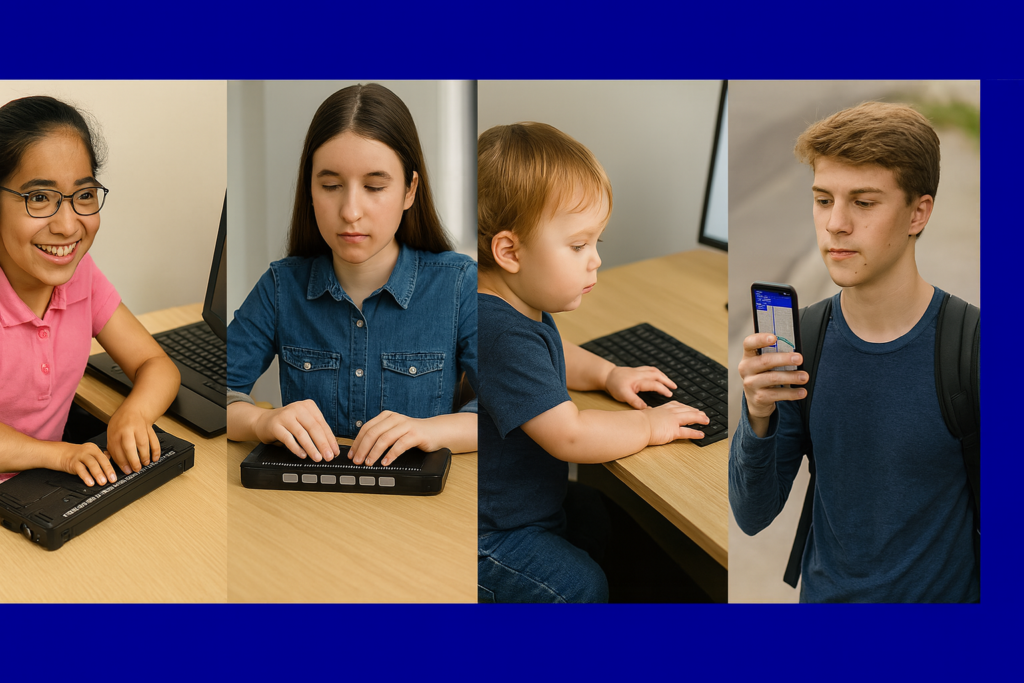
Access Technology: Your Path to Independence
Accessibility opens the world for blind and low-vision people. Access Tech Lessons can help users get the most out of these tools by offering step-by-step guides and support. It removes limits, builds confidence, and gives you real control of your daily life. With the right tools, navigation becomes possible, learning becomes smoother, and work becomes fully accessible.
This page brings together practical lessons that teach you how to use the technology that matters most. Each lesson stays simple, direct, and hands-on so you can learn with confidence. You will explore screen readers, braille displays, iPhone navigation, accessible math tools, and the skills needed to work, study, and travel independently.
As you move through each lesson, your skills will grow, and your world will open. Access becomes freedom. Freedom becomes opportunity. And opportunity builds a future filled with purpose and vision.
Welcome to Access Tech Lessons. Your journey starts here. Contact: TechVisionTraining@yourtechvision.com
For inspiring stories about family and living with blindness, explore our Stories section.
Career & Job Skills
Screen Readers & OS
AI Tools
-
Be My Eyes for Computer: Describe Images, Graphs, and Screens Instantly
-
UEB Math Lessons Galore with AI
-
Transcribe math images into text in WORD math editor with mathkicker and transcriber tricks
-
Perfect Digital Math at all levels using only audio or tactile Braille or both in Mathkicker.ai
-
Transcribing Math Images into Perfect Word Math Editor Equations Using MathKicker.ai and Expert Transcriber Techniques
-
Math & AI: Using MathKicker to Convert PDF Math into Accessible Word Documents
-
How to Prevent AI Cheating in Class and at Home
Typing & Keyboarding
Math & STEM
-
Best Tactile and Math Graphics for Blind Students
-
JAWS UEB/Nemeth Settings + Accessible Math in Word & Braille Editor
-
Tricks to Learning Math
-
Advanced Math with LaTex using Mathkicker.AI-Matrices
-
Digital Math in WORD and Braille Math Editor for Nemeth or UEB Input/Output via MathCat with JAWS or NVDA
-
Nemeth or UEB via MathCat: Math Access in WORD and Braille Math Editor with JAWS or NVDA
-
Trigonometry with Math Editor: LaTex or Braille, JAWS or NVDA
-
UEB Math Lessons Galore with AI
Graphing & Math
-
Desmos graphing calculator with shaded Parabolas, screen reader, braille display and embosser
-
Excel for Geometry: Create Shapes and Label Graphs with JAWS
-
Desmos Graphing Calculator: Creating and Exporting Graphs
-
Desmos Graphing Calculator Solution for Blind and Low Vision
-
Excel Histogram with Keyboard Commands
-
Excel Quadratic Trendline with Scatter Plot Graph Including Equation Using JAWS
-
Excel Scatter Plot Graphs and Trendline
-
Excel Line Plot Graph – Copy to Word for Math
-
Curved Line in Excel Graph with Screen Reader
PDFs & eBooks
Braille Displays
-
JAWS UEB/Nemeth Settings + Accessible Math in Word & Braille Editor
-
Spanish Braille Display or Keyboard Output/Input
-
Braille Math editor Contracted out, computer in mode with Tay–most efficient
-
Quadratic Formulas with UEB Math or Nemeth and/or display with JAWS audio & MathCat
-
Accessible Quadratic Math in MathKicker.ai Using JAWS or NVDA with Auditory and Braille Output
Documents & Productivity
-
Stop Annoying Ding Sounds on Windows Fix Filter Keys & Toggle Keys
-
Calibre-Translate epub or anything to docx for Digital Book Management
-
Properly Format a Paper
-
Braille Math editor Contracted out, computer in mode with Tay–most efficient
-
Remapping Keyboard Keys with SharpKeys While Avoiding JAWS and NVDA Screen Reader Conflicts
-
Rebuild the Microsoft Word Template When It Is Not Working Well
iPhone
Embossing & Tactile Graphics
-
Best Tactile and Math Graphics for Blind Students
-
Tiger 9 with Be My Eyes to “see” graphics for Math
-
Emboss Math with Tiger 9 TSS in WORD
-
Create and Emboss Graphics with Tiger Designer
-
STEM: Desmos with JAWS and Embossing
-
Emboss Math from WORD Math editor through Braille Blaster and change to Nemeth fast
-
Use Desmos graphing calculator to emboss graphs & insert Graphs into Math Work for teacher
-
Desmos 3D graphing calculator with screen reader commands
-
Desmos graphing calculator with shaded Parabolas, screen reader, braille display and embosser
-
Enhancing Access with a Graphic Embosser and Tiger Software for Tactile Graphics