
Indoor Navigation for Blind Travelers Using iPhone Apps
Using Siri • VoiceOver • Apple Maps • Compass • O&M Skills: 5 & 6 of 9 Lessons
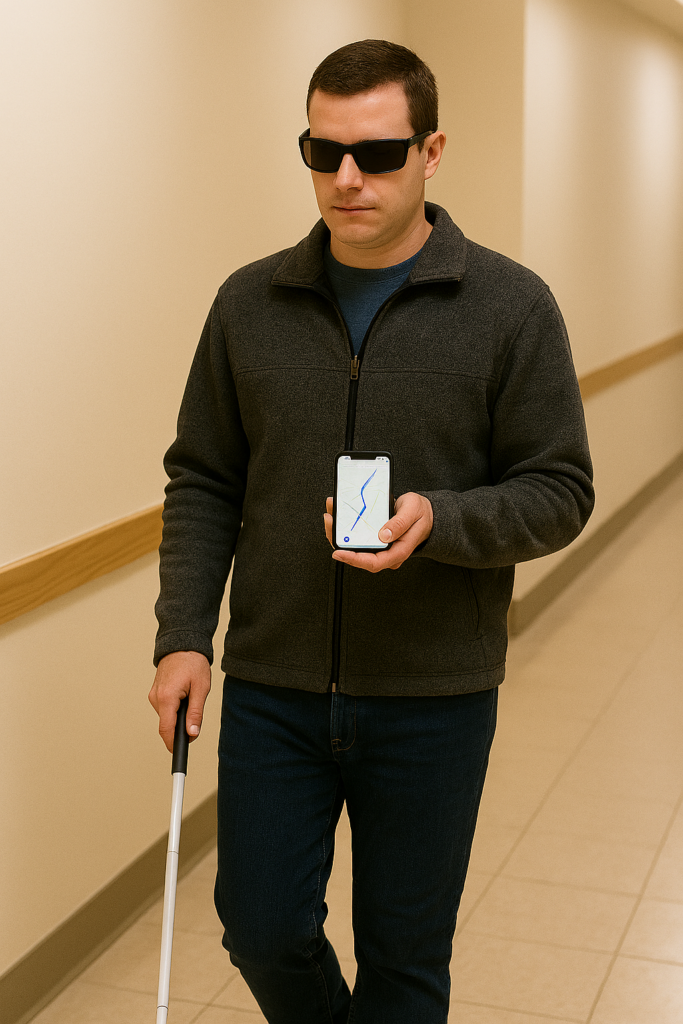
Teaching indoor orientation requires blending technology with classic O&M strategies, and Lessons 5 and 6 bring those pieces together. Students first learn to use the iPhone Compass to understand headings, turns, and directional changes inside a building—skills that strengthen spatial awareness and support non-visual navigation. Once they can align their body to a heading and follow Siri’s cues, they begin building route memory through landmarks, step counting, repetition, and reverse travel. Together, these lessons give blind travelers the tools to form accurate mental maps and move confidently between indoor locations using both technology and traditional mobility techniques.
LESSON 5 — Teach the Compass for Indoor Orientation
Purpose: Build strong directional understanding inside buildings.
A. Open Compass
“Hey Siri, open Compass.”
B. Teach the Four Primary Headings
- North = 0°
- East = 90°
- South = 180°
- West = 270°
C. Teach Heading Changes
- Student faces forward.
- VoiceOver announces the heading.
- Student turns left 45–90 degrees.
- VoiceOver announces a new heading.
- Student repeats turning right.
This builds geometric and spatial understanding.
D. Connect Compass to Siri Directions
- “Hey Siri, walking directions to Bathroom.”
- Siri gives “Head west.”
- Student turns until Compass reads 270°.
- Student walks straight.
LESSON 6 — Teach Route Memory (O&M Techniques)
Purpose: Build reliable indoor travel routes using non-visual cues.
A. Teach Landmarks
Have student identify:
- Floor textures
- Temperature changes
- Echo differences
- Door frames
- Railings
- Corners
B. Teach Step Counting
- Start at Main Room.
- Walk toward Bathroom.
- Count steps together.
- Record each turn and distance.
Example route:
- 42 steps to first corner
- Turn left
- 18 steps to Bathroom door
C. Teach Repetition
- First: travel with guide
- Second: guide shadows
- Third: verbal support only
D. Teach Reverse Routing
Student returns:
- Reads headings backward
- Reverses all turns
- Uses same step counts