
Indoor Navigation for Blind Travelers Using iPhone App-2
Using Siri • VoiceOver • Apple Maps • Compass • O&M Skills: 2 of 9 Lessons
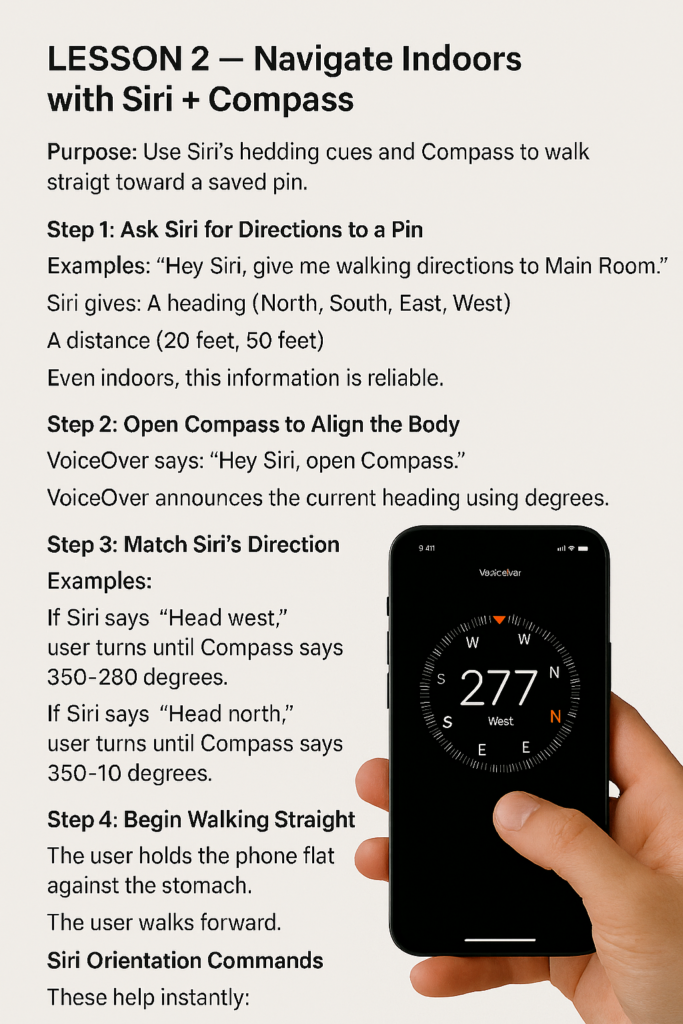
LESSON 2 — Navigate Indoors with Siri + Compass
Purpose: Use Siri’s heading cues and Compass to walk straight toward a saved pin. If you need to Navigate Indoors with Siri + Compass, this guide will help you do it effectively.
Step 1: Ask Siri for Directions to a Pin
Examples:
- “Hey Siri, give me walking directions to Main Room.”
- “Hey Siri, give me directions to Bathroom.”
Siri gives:
- A heading (North, South, East, West)
- A distance (20 feet, 50 feet)
Even indoors, this information is reliable.
Step 2: Open Compass to Align the Body
- The user says: “Hey Siri, open Compass.”
- VoiceOver announces the current heading using degrees.
Step 3: Match Siri’s Direction
Examples:
- If Siri says “Head west,” user turns until Compass says 260–280 degrees.
- If Siri says “Head north,” user turns until Compass says 350–10 degrees.
Step 4: Begin Walking Straight
- The user holds the phone flat against the stomach.
- The user walks forward.
- If headings drift, user adjusts slightly.
Siri Orientation Commands
These help instantly:
- “Hey Siri, which way am I facing?”
- “Hey Siri, point me north.”
- “Hey Siri, what’s my heading?”