
Outdoor Navigation for Blind Travelers Using iPhone App
Using Siri • VoiceOver • Apple Maps • Compass • O&M Skills: 7 & 8 of 9 Lessons
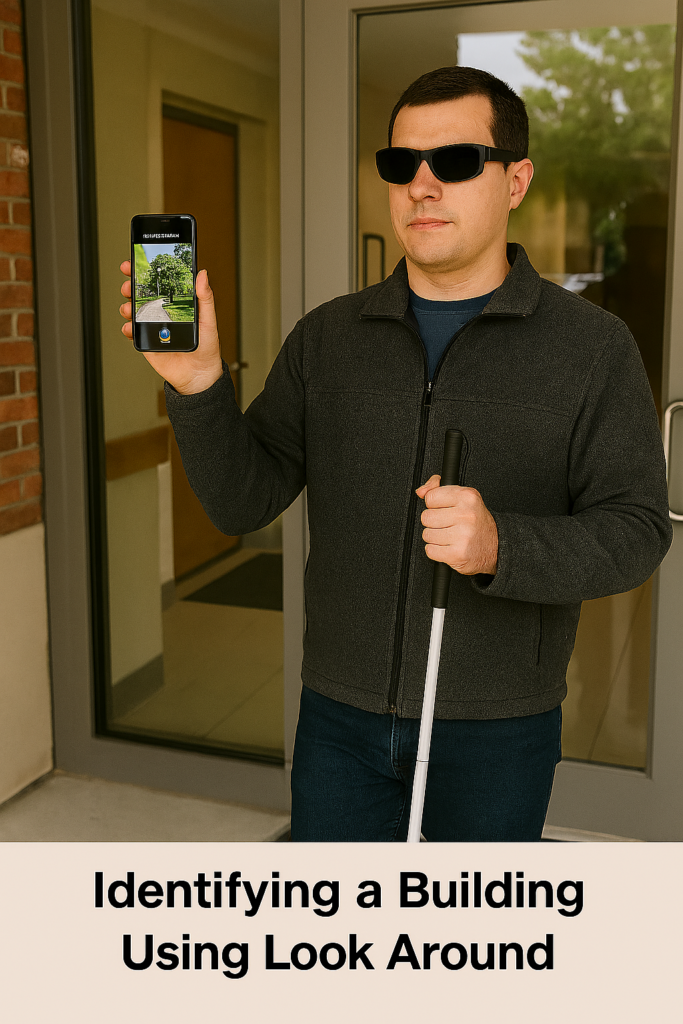
Look Around APP for outdoor iPhone Navigation for Blind People is now easier than ever. Blind travelers can navigate confidently inside and outside buildings when they combine iPhone tools with strong O&M skills. Siri gives quick commands, VoiceOver announces headings and distance, and Apple Maps provides direction cues that still work indoors. The Compass keeps travelers aligned in hallways, while Look Around describes the outside layout before they enter any building. Using these tools together allows blind people to build complete routes, drop reliable indoor pins, and understand their environment with far greater independence.
LESSON 7— Complete Navigation Routine
Purpose: Combine all skills into one independent travel system.
Students follow this workflow:
- Use Look Around outside the building.
- Drop pins at key indoor locations.
- Ask Siri for directions between pins.
- Align with Compass headings.
- Walk straight using heading + hall cues.
- Count steps between rooms.
- Identify landmarks.
- Reverse the route to return.
- Practice until fully independent.
LESSON 8 — Teach “Look Around” (Outdoor Orientation Only)
Purpose: Understand the outside perimeter before entering the building.
A. Open Look Around
- “Hey Siri, open Apple Maps.”
- Search for the school or building.
- Flick to “Look Around.”
- Double-tap.
B. Teach What Look Around Describes
- Streets
- Bus loops
- Entrances
- Surrounding roads
- Parking lots
C. Teach What Look Around Cannot Do Indoors
It cannot:
- Show hallways
- Show interior rooms
- Give indoor turn-by-turn routes
Use Seeing AI or clues inside instead.